
Description
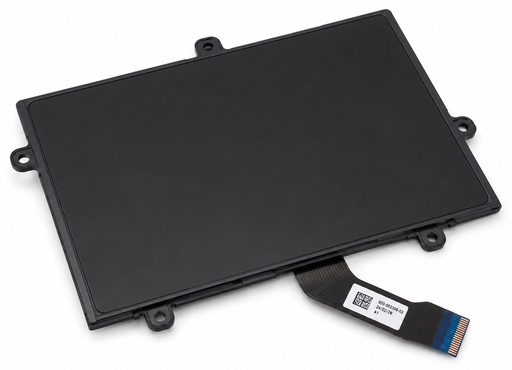
Restore smooth and accurate cursor control with a compatible Dell Latitude 7390 touchpad replacement from Luztech. The touchpad allows you to navigate your laptop, move the cursor, scroll through documents and perform everyday tasks without an external mouse.
If your Dell Latitude 7390 touchpad is unresponsive, damaged, behaving erratically or no longer registering clicks correctly, replacing the faulty touchpad component may restore normal operation.
Compatible Dell Latitude 7390 Touchpad
This replacement is intended for the standard Dell Latitude 7390 laptop. However, the touchpad assembly has different components that may be supplied separately or as part of a larger assembly.
Depending on the required replacement, you may need:
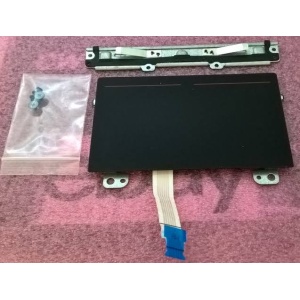
- Touchpad module: The main surface used for cursor movement and gestures.
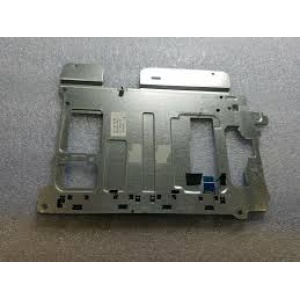
- Touchpad buttons board: The separate board responsible for the physical touchpad button functions.
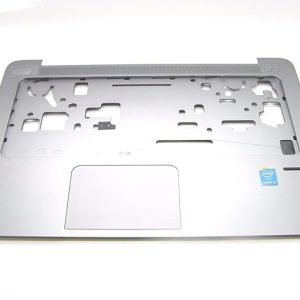
- Palm-rest assembly with touchpad: A larger replacement assembly that includes the palm rest and touchpad components.
Dell’s service documentation provides a separate replacement procedure for the touchpad buttons board. Therefore, identify the faulty component before ordering.
Signs You Need a Dell Latitude 7390 Touchpad Replacement
Your laptop may need a replacement touchpad if you experience:
- Cursor movement that is inconsistent or unresponsive
- Touchpad clicks that no longer work properly
- A damaged or worn touchpad surface
- Delayed or inaccurate cursor response
- Touchpad gestures that fail to register
- Physical damage around the touchpad buttons
Touchpad Module or Complete Palm-Rest Assembly?
A standalone touchpad module is different from a complete palm-rest assembly. The correct replacement depends on the damaged component and the original laptop configuration.
Before ordering, compare the original part number, connector, mounting points and physical layout. Additionally, check whether your laptop has the required smart card reader or other palm-rest features.
Some replacement listings identify Dell part numbers such as 2W4VC for the touchpad module and 80V6W or 428H6 for a palm-rest touchpad assembly. These are identification references, not guaranteed fitments for every configuration; verify against your original part or Service Tag.
Why Choose Luztech?
- Assistance identifying compatible Dell touchpad replacements
- Guidance on matching original part numbers and connectors
- Laptop spare parts and repair support
- Help identifying whether you need a touchpad module or complete palm-rest assembly
Explore our laptop spare parts or visit our laptop and computer repair services in Nairobi.
Order Your Dell Latitude 7390 Touchpad from Luztech
Looking for a replacement touchpad in Kenya? Contact Luztech with your laptop model details or a photograph of the original touchpad. We can help identify the correct replacement component before you order.

Reviews
There are no reviews yet.